Stop Losing Leads: 5 Automations Every Service Business Needs
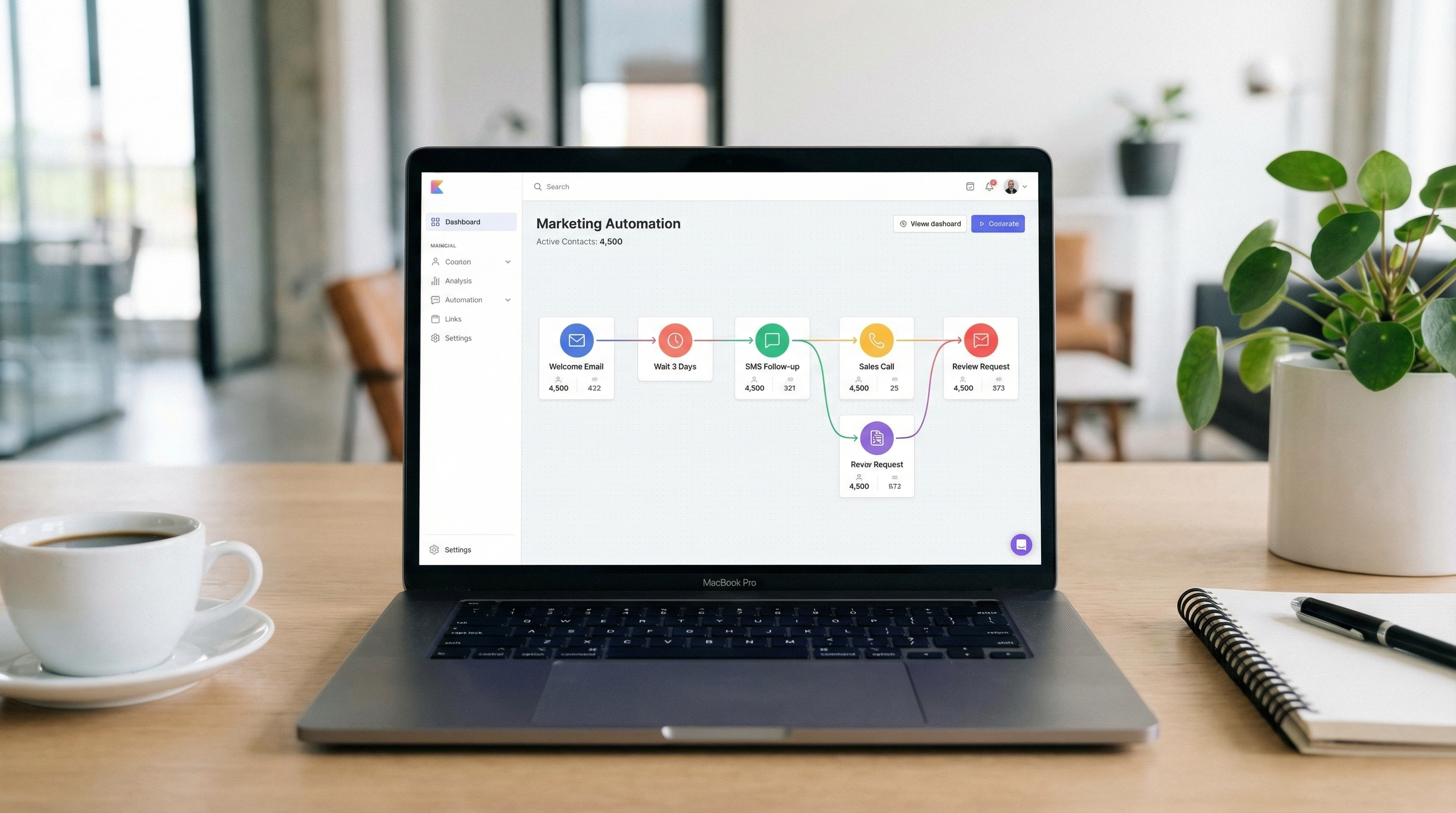
Most service businesses don't have a marketing problem — they have a follow-through problem. Leads come in and go cold. Appointments get forgotten. Happy customers never leave a review. Past clients drift to a competitor simply because nobody reached out. Five targeted automations can fix all of it, and most cost less per month than a single lost job.
The appeal of automation for service businesses isn't about replacing staff or sounding robotic. It's about removing the gaps that exist between a busy owner juggling jobs and a customer sitting on the fence. Every minute a lead goes without a response, that customer is still on Google. Every no-show appointment is a slot that could have been filled. Every review that never gets requested is a referral that never happens.
The five automations below are not hypothetical. They're running right now inside real service businesses — plumbers, cleaners, landscapers, consultants, trainers — and the results are measurable. Here's what each one does, why it matters, and what it typically costs to set up.
78% of customers buy from the first business that responds to their inquiry. The average small business takes over 47 hours to follow up on a web lead. — Vendasta / Lead Response Management Study
1. Instant Text Reply When Someone Submits a Web Form
When a potential customer fills out a contact form on a business website, the window to win their attention is measured in minutes — not hours. An instant SMS automation fires a text message to that prospect within 30 to 90 seconds of form submission, before a competitor even sees the notification.
The message doesn't need to be elaborate. Something like: "Hey [First Name], thanks for reaching out to [Business Name]! We got your request and someone will call you shortly. In the meantime, reply here with any questions." That's enough. It confirms the lead's inquiry was received, establishes a direct text thread for easy follow-up, and signals that the business is responsive and professional.
Why it matters: the data on speed-to-lead is unambiguous. Contacting a prospect within the first five minutes makes them nearly 100 times more likely to connect than waiting 30 minutes. Most service businesses are calling back hours later — or not at all. A simple automation wins that race automatically, every time, even if the owner is on a job site.
Typical cost: Built into most CRM platforms like GoHighLevel or HubSpot at no additional charge beyond the base subscription ($97–$300/month for the full platform). Standalone tools like Zapier + Twilio can handle this for roughly $20–$40/month in usage fees. Setup time is usually under two hours.
2. Automated Appointment Reminders to Cut No-Shows
No-shows are one of the most expensive problems in service businesses. A missed appointment isn't just lost revenue for that slot — it's also a lost opportunity to fill that time with someone else. The fix is straightforward: send two automated reminder texts for every scheduled appointment, one 24 hours before and one one hour before.
The 24-hour reminder gives clients enough time to reschedule if something came up, which is far better than a no-show. The one-hour reminder acts as a practical nudge — most people are just forgetful, not unreliable. Including a confirmation link or a simple "Reply YES to confirm / NO to reschedule" makes the system even more effective, because it creates an active commitment from the client rather than a passive assumption.
Businesses that implement two-step SMS reminders typically report a 30–50% reduction in no-shows. At an average job value of even $200, eliminating two no-shows per month pays for most automation platforms outright.
Typical cost: Most scheduling software (Acuity, Calendly Pro, Jane App) includes SMS reminders at the $20–$45/month tier. CRM-based solutions bundle this with other automations. Expect to pay roughly $0.01–$0.02 per SMS sent if using a pay-per-message provider at volume.
Automated SMS appointment reminders reduce no-show rates by an average of 38%, according to a 2024 analysis of small service businesses by Acuity Scheduling. For a business running 20 appointments per week, that can recover thousands of dollars in monthly revenue.
3. Post-Job Review Request via Text
Online reviews are the single most powerful form of social proof for local service businesses. Study after study shows that consumers trust reviews as much as personal recommendations — and that the volume and recency of reviews directly affects where a business ranks in Google search. Yet most service businesses leave review generation entirely to chance.
The most effective review automation sends a text message to the customer within one hour of a job being marked complete. Timing is everything here. That's the moment when satisfaction is highest, the experience is freshest, and the customer is most likely to act. A simple message — "Thanks for choosing [Business Name] today! If you have a moment, we'd really appreciate a quick Google review: [link]" — converts at a dramatically higher rate than an email sent the next day.
Businesses using this automation consistently generate five to fifteen times more reviews than competitors relying on organic requests. Over six months, that compounds into a material advantage in local search rankings and customer trust.
The automation trigger can be as simple as updating a job status in a field service app (ServiceTitan, Jobber, Housecall Pro) or marking a record in a CRM. Most platforms can generate a direct Google review link that takes the customer straight to the review box, removing the friction of navigating there manually.
Typical cost: Platforms like Birdeye or NiceJob charge $75–$150/month for review automation specifically. If already using a full CRM, this workflow can often be built internally at no additional cost. Jobber and Housecall Pro include review request features in their mid-tier plans ($49–$199/month).
4. 90-Day Re-Engagement for Past Customers
The easiest sale a service business can make is to someone who has already hired them. Past customers know the quality of the work, trust the brand, and require no cold outreach persuasion. Yet most service businesses spend the bulk of their marketing budget chasing new customers while their existing database goes completely untouched.
A 90-day re-engagement automation sends a personalized email or text to past clients who haven't booked in three months. For seasonal service businesses — lawn care, HVAC, pest control, exterior cleaning — this is especially powerful when timed to match the relevant season. A spring lawn care message hitting a past client's phone in late February, or an HVAC tune-up reminder landing in October, taps into genuine need at exactly the right moment.
For non-seasonal businesses, the message can be simpler: a check-in, a reminder that the business exists, or a limited-time offer for returning clients. The goal is to be present before the customer thinks to search Google again. Research from Bain & Company found that increasing customer retention by just 5% increases profits by 25–95%. Re-engagement automation is the lowest-friction path to that retention.
The automation is typically triggered by a tag or last-service date field in the CRM. It can be a single message or a short sequence — a text on day 90, an email on day 95, and a final check-in on day 105 if there's no response. Keep messages brief and personal-sounding, not promotional. The tone of a friendly reminder outperforms a sales pitch in this context every time.
Typical cost: This lives inside any CRM with email/SMS capabilities. No additional cost beyond the platform subscription, which typically ranges from $50–$300/month depending on the tool. A focused email marketing tool like Mailchimp or Klaviyo can handle email-only re-engagement for $20–$60/month.
Acquiring a new customer costs five to seven times more than retaining an existing one. A 90-day re-engagement sequence targeting past clients is often the highest-ROI automation a service business can implement — and among the cheapest to run. — Harvard Business Review / Bain & Company
5. Missed Call Text-Back
For most service businesses, the phone is still the primary inbound channel. And most service business owners are frequently unavailable to answer it — on a job, in a meeting, driving between sites. A missed call is not just a missed call; it's a potential customer who may move on before a callback ever comes.
Missed call text-back automation detects when an incoming call goes unanswered and fires a text to that number within seconds. The message is simple: "Hey, sorry we missed your call! This is [Business Name]. How can we help you today?" That single message accomplishes something remarkable — it keeps the conversation alive, shifts it to a more convenient medium (text), and signals responsiveness even when the owner couldn't pick up.
SMS has a 98% open rate versus roughly 20% for email. When a prospect receives a text within 30 seconds of a missed call, the likelihood of converting that lead is dramatically higher than if they were called back an hour later. Many customers will simply book or ask their question over text, eliminating the phone tag entirely.
This automation requires a business phone number that runs through a VoIP or CRM system rather than a personal cell. Platforms like GoHighLevel, Podium, and even Google Business Profile's newer features support missed call text-back natively. The setup is minimal — usually a single toggle and a message template.
Typical cost: GoHighLevel includes this feature in its base plan ($97/month). Podium, which is purpose-built for this type of customer communication, starts at around $249/month but includes review management, payments, and webchat. Basic missed call text-back via a VoIP + Zapier setup can be configured for under $30/month.
The Compounding Effect
Each of these five automations solves a distinct problem. But together, they form a system that covers the entire customer lifecycle: capturing new leads faster, converting them to appointments, reducing drop-off before the job, collecting social proof after, winning back customers who've gone quiet, and catching anyone who slips through the phone gap.
The total cost to run all five — if using a single platform like GoHighLevel — is often under $150/month. That's less than the average cost of a single lost lead, a single no-show, or a single month without a new Google review. For service businesses running on thin margins and tight schedules, automation isn't a luxury. It's operational infrastructure.
The businesses winning in local markets right now aren't necessarily doing better work than their competitors. They're just responding faster, following up consistently, and showing up in the right places at the right time. These five automations make all of that possible without adding a single employee or working an extra hour.
Ready to Automate Your Follow-Up?
See which of these five automations would have the biggest impact on your business — and get a clear plan to implement them.
Get a Free Consultation